Why Should Construction Technology Reduce Your Cognitive Load, Not Add to It? Part 1
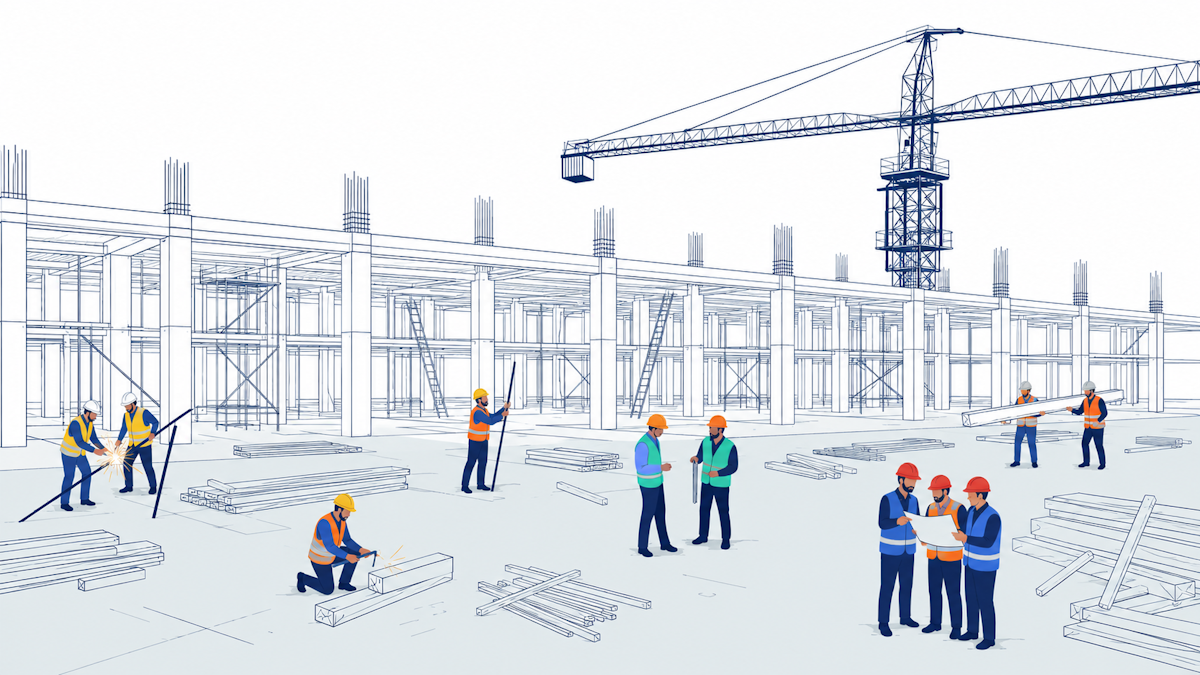
Good construction technology should take work off your plate, not add to it. Here is what that means for field management on site.
A superintendent walks the site all morning. He spots a blocked access road, a sign-off that never happened, a crew standing around waiting on material that has not shown up. Then he heads back to the trailer, opens his laptop, and spends the next hour typing it all in. By the time it is written down, half the day is gone and two of those problems have already grown.
This is the quiet cost of most construction technology. It was meant to save us time. Instead it asks us to stop working and go feed the software.
What Is Technology Actually For?
Every good tool does one simple thing. It takes work off your mind so you can think about what matters.
Think about the calculator. Before it, people added up long columns of numbers by hand. You had to learn how to use it, sure. But once you did, you handed the boring math to the machine and put your head into the real question. How to price the job. Where to make money. The tool did not make anyone worse at their work. It freed them up to do the harder thinking.
There is a name for this. It is called cognitive load, which is just the amount your brain can hold and deal with at one time. It is a lot smaller than most software seems to think. A good tool respects that. It carries the boring weight so you can spend your attention on the calls only you can make.
So here is the simple test for any software or solution, AI included. Does it carry the load for you, or does it hand you a new one?
Why Does Most Construction Technology Feel Like Extra Work?
We have spent twenty years buying software, and it has not really helped. McKinsey says construction has barely got more productive since 2000, while factories have raced ahead. The gains only show up when the technology changes how the work gets done, not just where you write it down.
Most field management software is built to collect and store information. You log in, fill out forms, put data in the right boxes. Over time you build a record. That part is fine.
The problem is you have to stop and work through the software to do it. Almost all of these tools have an app, but people still wait until they are back at the truck or the laptop to type things in. You see the problem on site. You record it later. And that gap, between seeing it and logging it, is where problems grow.
Worse, the software does almost nothing with what you give it. It will not tell you this is the tenth time someone has flagged the same thing. If you report something and your colleague reports something similar, it will not link them. It will not warn you that a pattern is forming.
That gap costs real money. Research from FMI and Autodesk found field teams lose more than 14 hours a week to work that should not exist, hunting for information and redoing tasks. Almost half of all rework comes down to the same thing, bad information that reached people too late. The facts were there. Nothing joined them up in time to act.
FMI and Autodesk gave it a name. They call it bad data. Not just wrong data, but data that is missing, hard to get to, or simply too late. They reckon it may have cost the global construction industry $1.85 trillion in one year, with close to $89 billion of that going straight into rework.
And it has no real sense of what any of it means. If your schedule shows rebar going in after the pour, the software will not flag it. It cannot. To it, these are just words in a box.
So What Should Field Management Do Instead?
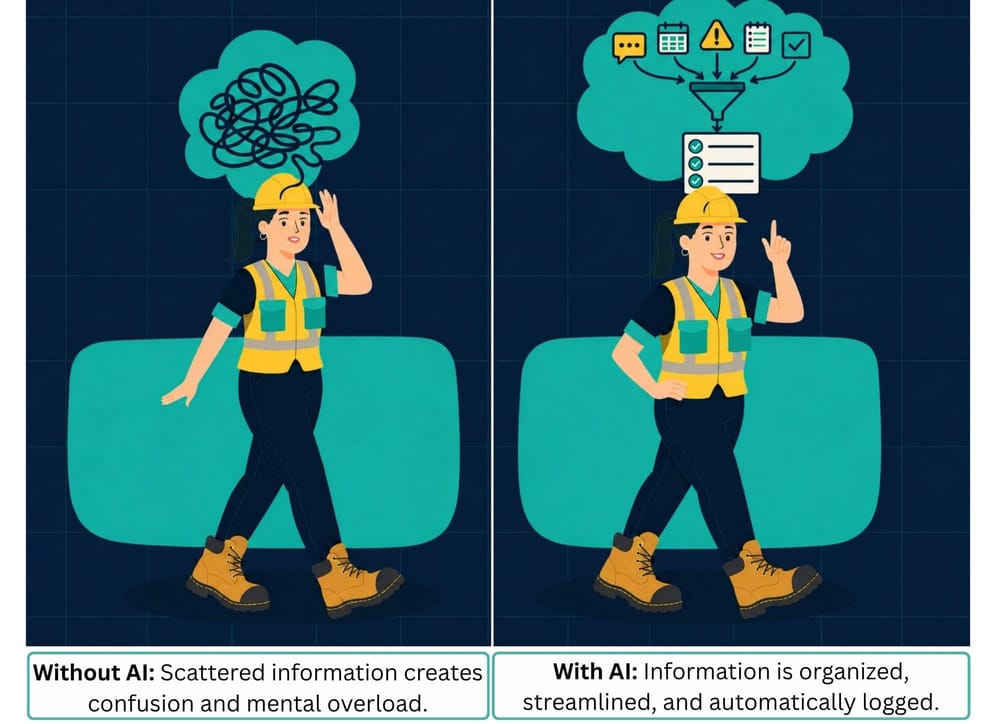
The direction is clear. Data should be gathered as you do the work, not as a separate chore after it. A text, a photo, a voice note in the moment, and the system does the rest.
Three things change when that happens:
Capture with no burden. The information is collected and organized on the go, while you are focused on the site.
Instant relevance. You do not dig through everything to find what applies to you. The thing you need is surfaced for you.
A managed day. The system reminds you what is still open and what is coming, so nothing falls through.
In short, everyone on site gets something close to a personal assistant. One that keeps track of the big things so they do not have to hold it all in their head.
So what kind of AI actually does this? Not a smarter one, a better fit. More on that in Part 2.
Frequently asked questions
Why does construction technology feel like extra work?
Because most of it is built to store information, not act on it. You still have to stop, log in, and type in what you saw, usually back at the trailer after the fact. That gap between seeing a problem on site and recording it later is where problems grow. Good construction technology should pick things up as you work, not add another job to your day.
What is cognitive load, and why does it matter on a jobsite?
Cognitive load is the amount your brain can hold and deal with at one time, and it is smaller than most software assumes. On a busy site, every form to fill and screen to check adds to that load. The best field management software takes the routine weight off your mind, so you can spend your attention on the calls only you can make.
How much do bad data and rework cost construction?
A lot. FMI and Autodesk found field teams lose more than 14 hours a week to work that should not exist, and almost half of all rework traces back to bad data and poor communication. They estimate bad data may have cost the global construction industry $1.85 trillion in a single year, with close to $89 billion of that going straight into rework.
What should good field management software actually do?
Three things. It should capture information as you work, with no extra step. It should surface what matters to you instead of making you dig for it. And it should keep track of what is still open and what is coming, so nothing slips. In short, it should work like a personal assistant for everyone on site.
If you want to understand what Crewscope is, start with why we rebuilt it as an AI native platform. It is the same idea as this post, built into a tool: information down, intelligence up, with the leader always in control. Read why we rebuilt Crewscope.